Free tool
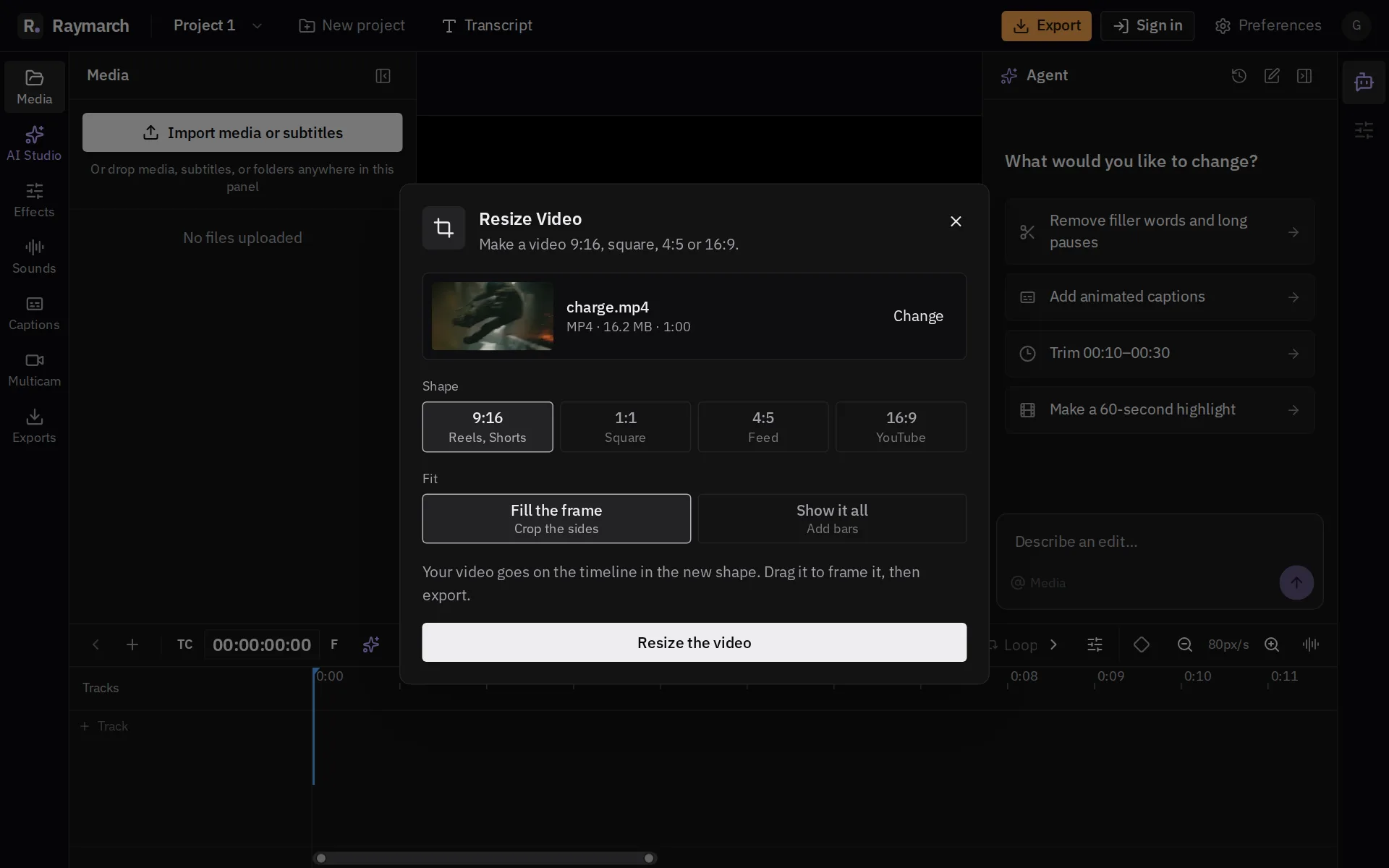
Resize Video
Make a video 9:16 for Reels, Shorts and TikTok, square, 4:5 or 16:9.
- No upload
- No account
- No watermark
- No credit card
How it works
Resize a video in 3 steps
- 01
Choose a video
It opens in the editor.
- 02
Choose the shape
Fill the frame or show all with bars.
- 03
Frame and export
Drag the video to choose what shows, then click Export.
Then keep editing
The full editor is right behind the tool
Click Edit in Raymarch, and your file goes on a real timeline. Cut it, add titles, captions and music, and export to MP4, MOV, MKV or WebM. The editor is free.
See the timeline editor
Frequently asked questions
Can I keep the speaker in the frame?
Yes. Drag the video in the preview to move it, or scale it in Properties.
Is this tool free?
Yes. The Raymarch editor is free and needs no account. Free exports go up to 1080p with no watermark. Pro exports up to 4K.
Do you upload my video?
No. Your video stays on your computer, so even a large file opens right away.
Which browsers work?
Chrome and Edge on a computer work best.
More free tools
Resize a video now
No upload · No account · No watermark · No credit card