AI agent
An AI video editing agent that works on your timeline
Tell the agent what to change in plain words. It edits your project one step at a time, and you can undo each step.
Pro plan
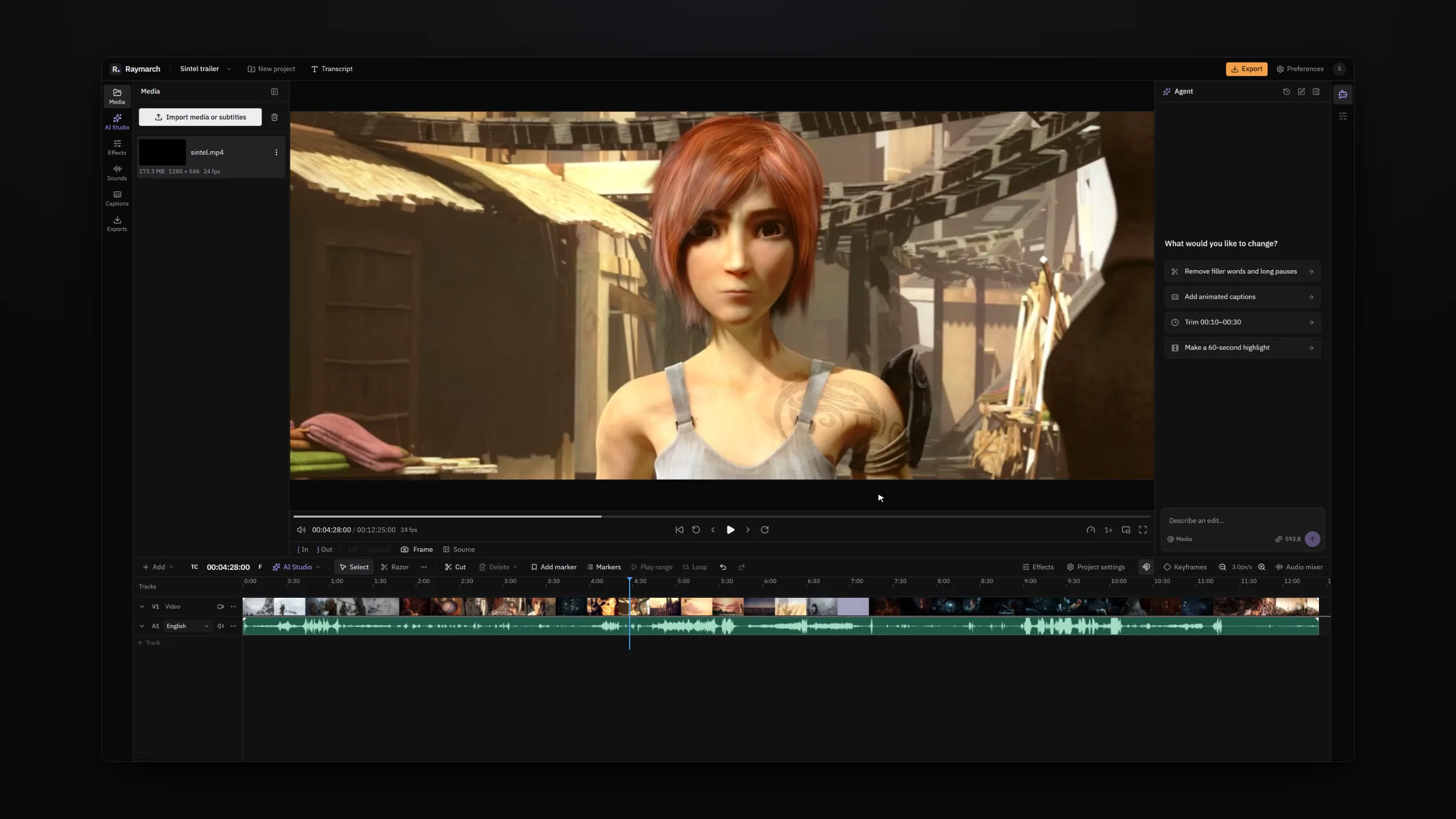
- Plain words
- Describe the result. You do not need to know which tool does it.
- Real edits
- The agent uses the same commands as the buttons in the editor.
- You approve
- The agent asks before it deletes, renders or spends credits.
Instructions
Describe the edit and watch each step on the timeline
Type what you want in the agent panel. The agent plans the work and does it as a list of separate edits.
Each edit shows on the timeline when it happens. You see the cuts, the captions and the effects appear.
- "Remove filler words and long pauses."
- "Add animated captions."
- "Trim from 00:10 to 00:30."
- "Make a 60-second highlight."
- "Translate the subtitles to Spanish."
Same tools
The agent edits your project, not a copy
The agent does not make a new video file. It cuts, trims, moves clips, adds captions and changes effects with the commands that the editor buttons use.
- You can change any agent edit by hand on the timeline.
- Each agent step is one entry in the undo history.
- The agent reads the transcript, the timeline and the clip settings.
- The agent can look at frames of your video to find the right shot.
Control
Approve the steps that matter
Some steps delete material, render a file or spend credits. Before such a step, the agent shows a card and waits for you.
- Allow once: run this step only.
- Always allow: run steps of this kind for the rest of the session.
- Deny: the agent does not run the step.
Long jobs
Many edits from one request
One request can start a long job. For example, the agent can tighten a talk, add captions in a style, and give the cut a colour look.
When the result is not what you want, ask for a change. The agent continues from the current timeline.
How it works
How to edit a video with the AI agent
- 01
Import your footage
Open the editor and import your video files.
- 02
Describe the edit
Open the agent panel and type what you want.
- 03
Check each step
Watch the edits on the timeline. Approve the steps that ask for it.
- 04
Finish and export
Fix any cut by hand, or ask for another change. Then export.
Use cases
What you can make with it
Talking-head videos
Remove fillers and long pauses, then add captions.
Podcasts
Make a 60-second highlight from a long episode.
Trailers and recuts
Cut a short trailer around the strongest lines.
Translated subtitles
Translate the subtitles and keep the timing.
Specifications
Details
- Plan
- Pro
- Input
- Plain text in the agent panel
- Undo
- Every agent step
- Approval
- Before delete, render and credit use
- Works with
- Timeline, transcript, captions, effects, speed, audio and titles
Frequently asked questions
What can I ask the agent to do?
Any edit that the editor can do. Examples are cuts, trims, captions, effects, speed changes and titles.
Can I undo what the agent did?
Yes. Each agent step is a normal undo step.
Can the agent make mistakes?
Yes. Check the steps on the timeline. You can undo a step or fix it by hand.
Does the agent replace the editor?
No. The agent works inside the editor. You can edit by hand at any time.
Which plan do I need?
The agent is part of the Pro plan. The timeline editor is free.
Related features
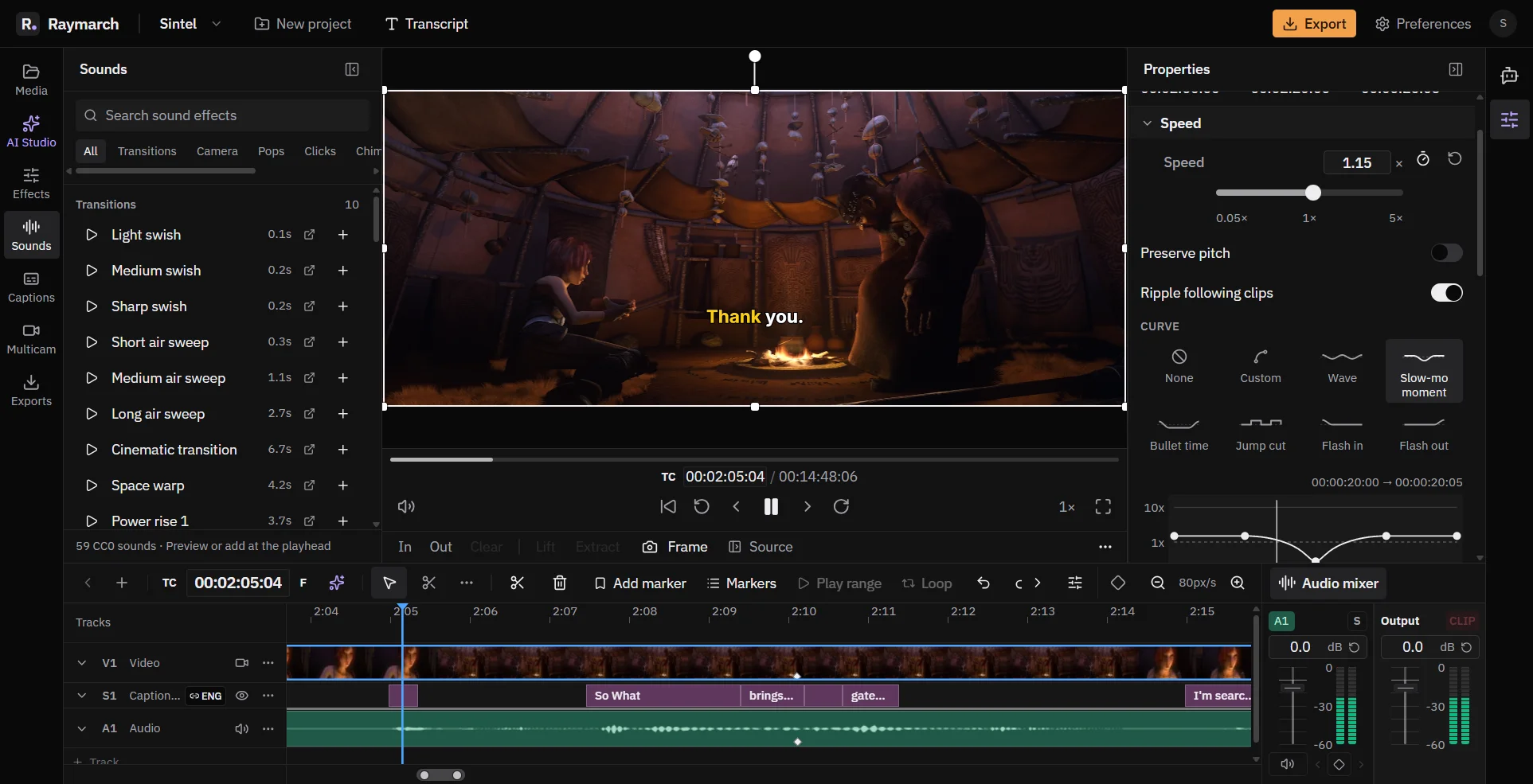
A free online video editor with a full timeline
Raymarch is a non-linear video editor in your browser. Edit on many tracks with professional trim tools and keyframes.
Free in the editor
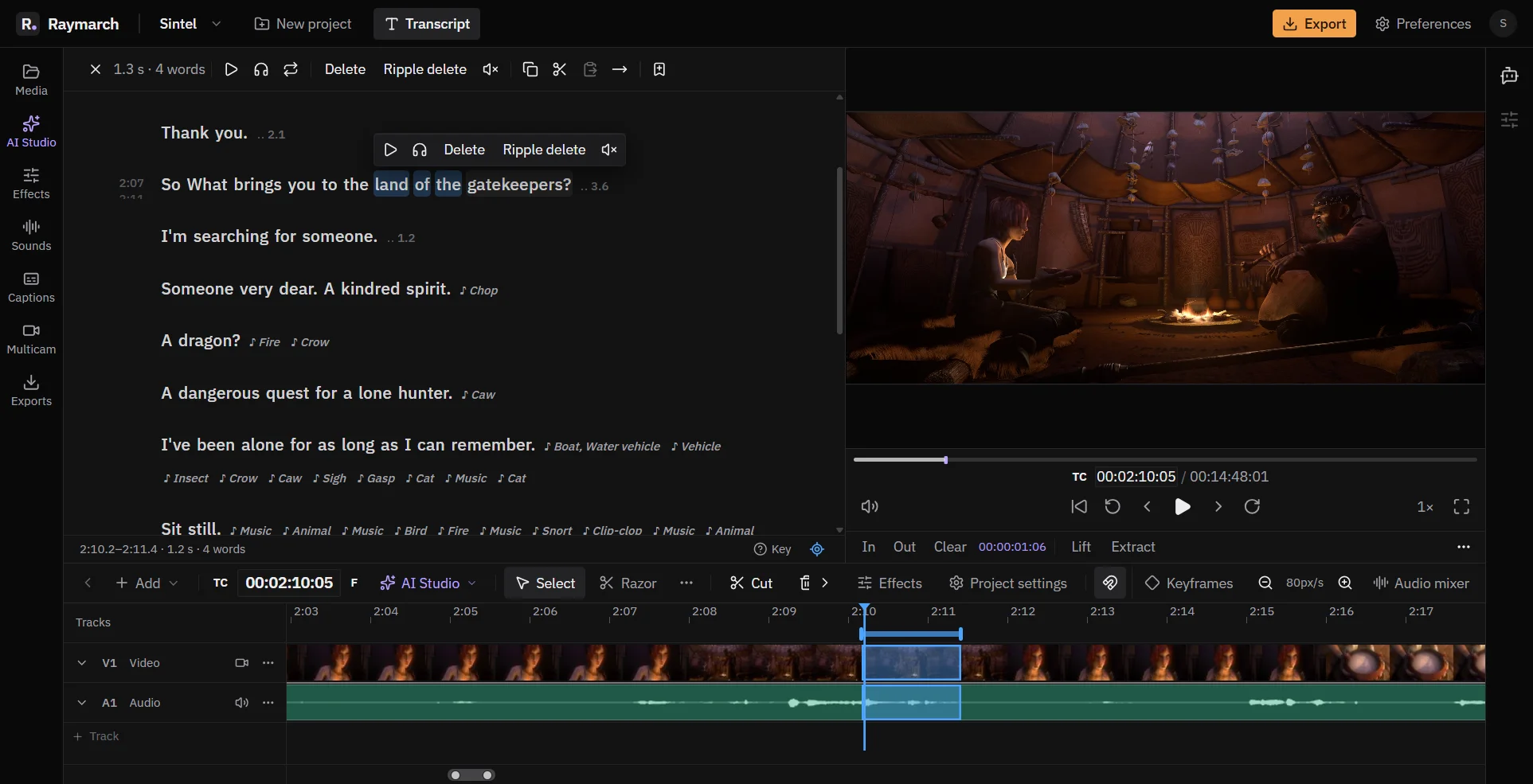
Edit video by editing the transcript
Delete words in the text, and Raymarch cuts the same moments from the video. It works on long recordings from your computer.
Pro plan
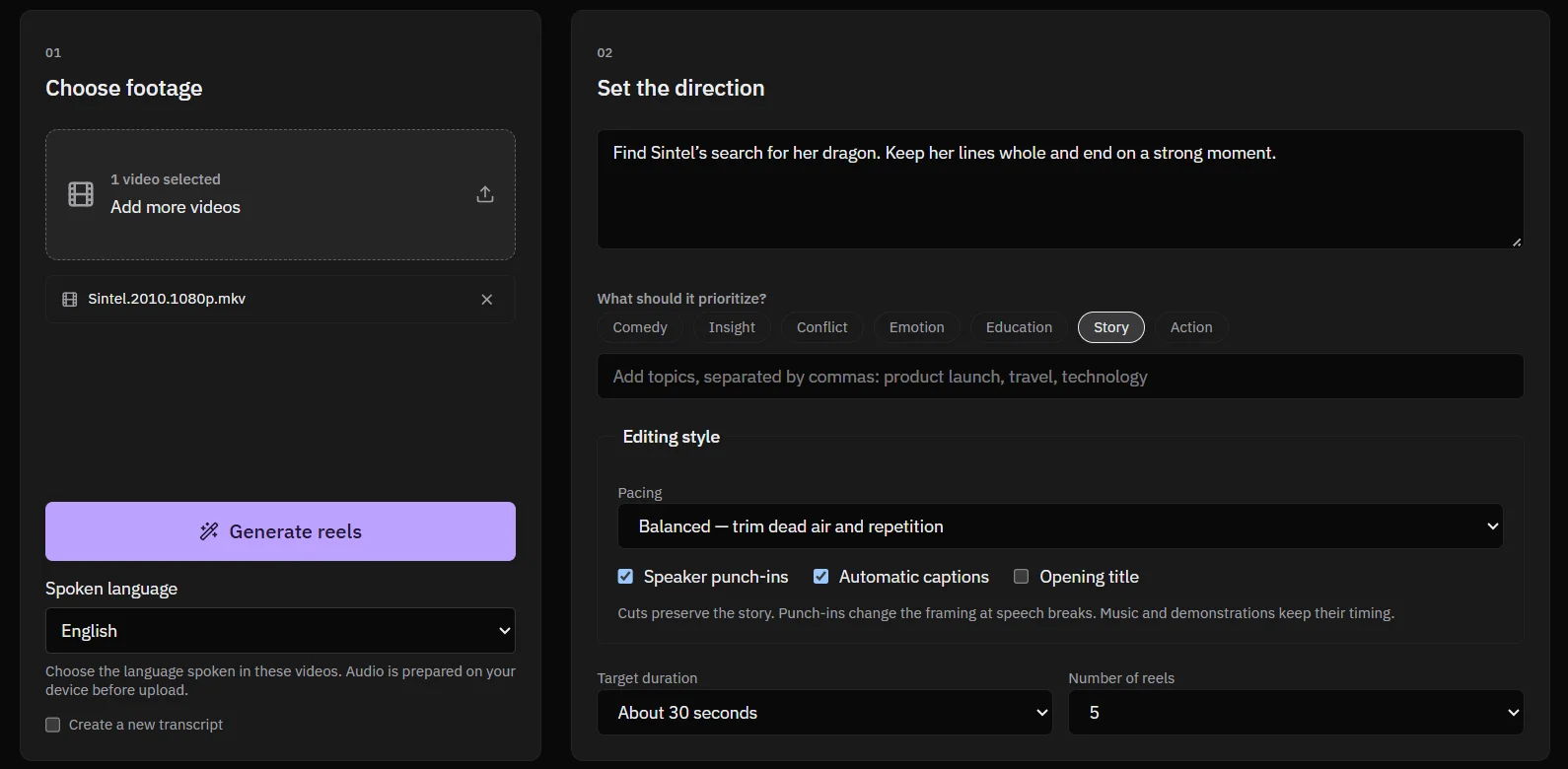
Turn long videos into vertical reels
Give Raymarch a long video and a short brief. It finds strong moments and makes 9:16 reels that you can edit.
Pro plan
Start editing with Raymarch Pro
Sign up and choose the Pro plan to use this feature. The timeline editor is free.