See the editing agent at work

The AI video editor
that edits for you.

Raymarch is an AI video editor in your browser. The agent cuts, trims and captions on a full timeline. Make reels, edit by transcript, and generate images and video.

The Raymarch editor. Someone asks the AI agent for a 30-second trailer of the film Sintel, built around her lines. The agent reads the dialogue, cuts fourteen shots, and adds subtitles, a title, fades and a look. Then the trailer plays.

An editor that takes instructions.

Describe the edit in plain words. The agent works on your timeline, one step at a time. You can see and undo each step.

Start editing with AI Learn more about the AI editing agent
“Make it broody. Slow it down, let her lines breathe, and go darker.” The AI agent rebuilds the cut in story order around the full conversation, slows her walk in the snow, adds one-second fades, and gives it a cold, muted look.

A full timeline editor.

Arrange video and audio tracks, then shape the motion with keyframes.

Try the editor Learn more about the timeline editor
Multitrack timeline
Raymarch multitrack timeline with video clips and audio waveforms.
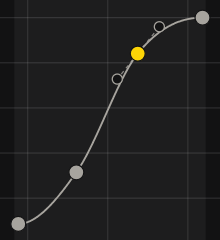
Keyframe animation
Raymarch S-curve with editable keyframe points, without the property panel.

Image generation
and editing.

Create a new shot or change a frame. Your agent can write the prompt.

Create an image Learn more about AI image generation

Text to image

Prompt

A desert motel after the rain. Blue twilight, dark teal water and one warm doorway reflected across the empty pool. A quiet, wide film still.
Ask the agent to write it
Image16:9
Generate image
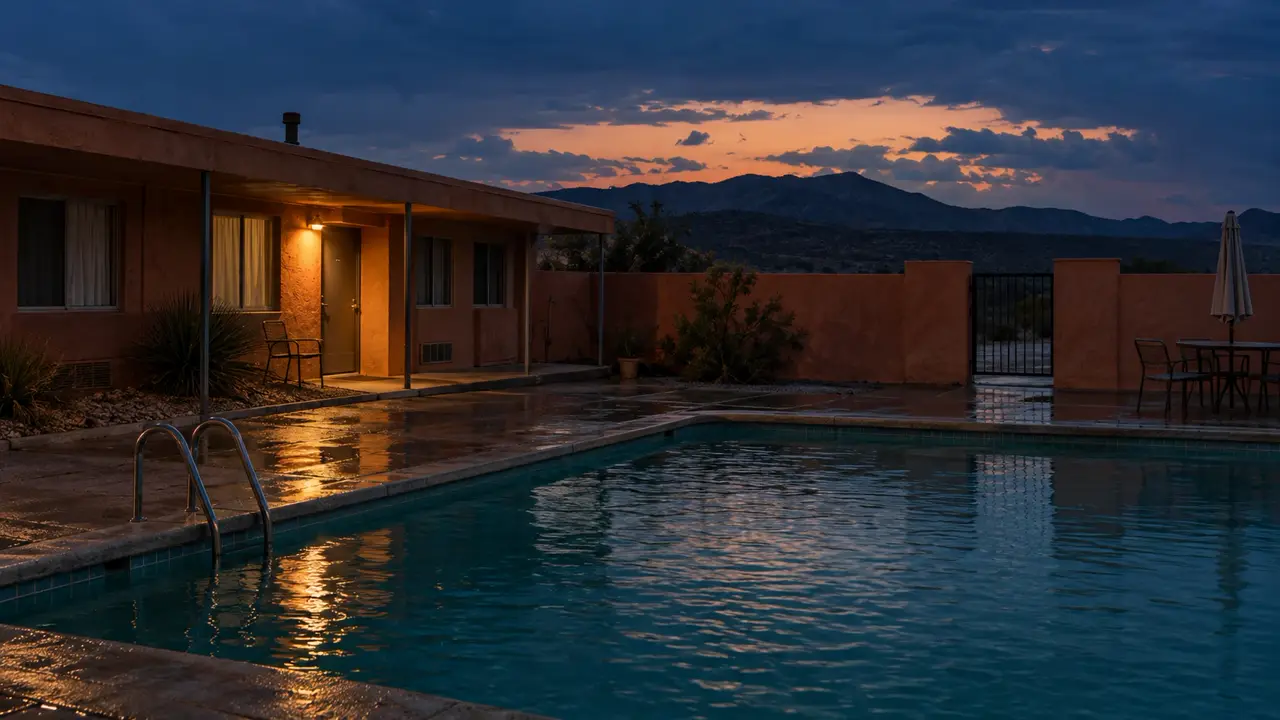
Cinematic still of a desert motel and turquoise pool at dusk, with a warm lit doorway.

Image editing

Original Tokyo street crowded with pedestrians.
Original frame

Prompt

Remove everyone from the street. Keep the shops, signs, camera angle and daylight exactly as they are.
Ask the agent to write it
Image edit3:2
Edit image

The complete Tokyo street photograph after removing the crowd.

Four ways to
create your next shot.

Generate video from a prompt, animate an image, connect two frames or continue a clip.

Generate a video Learn more about AI video generation

Image to video

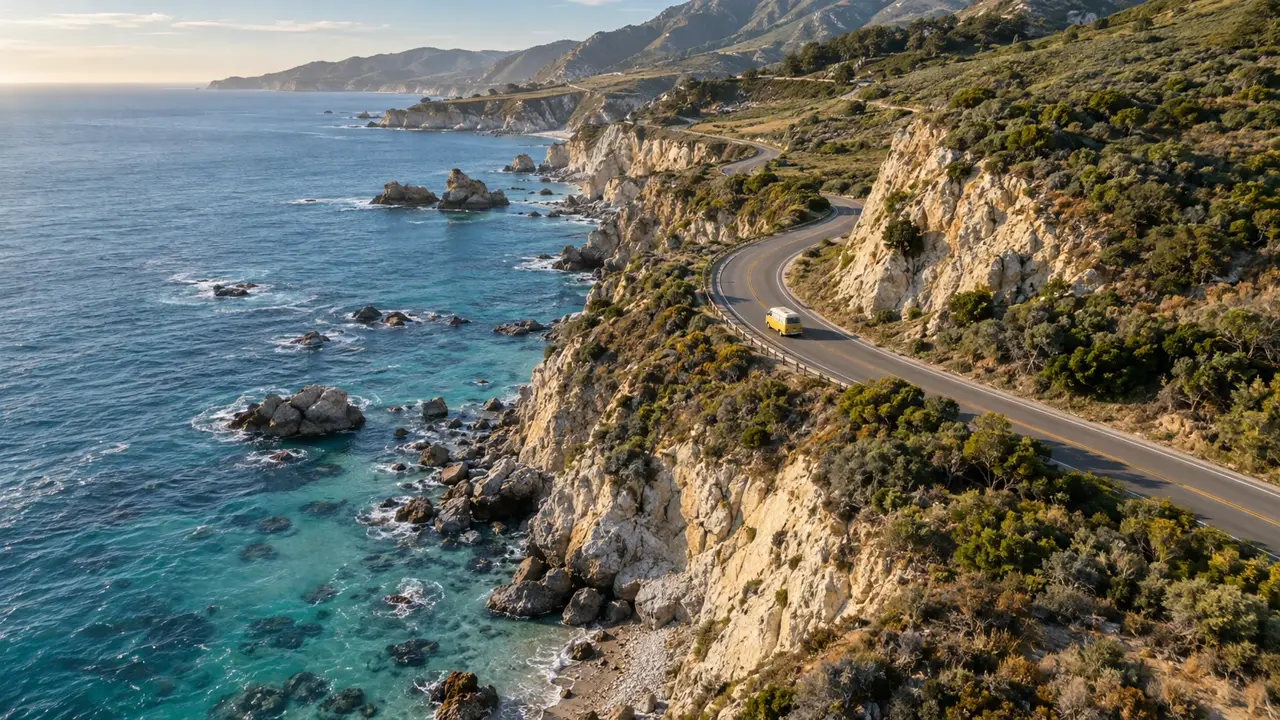
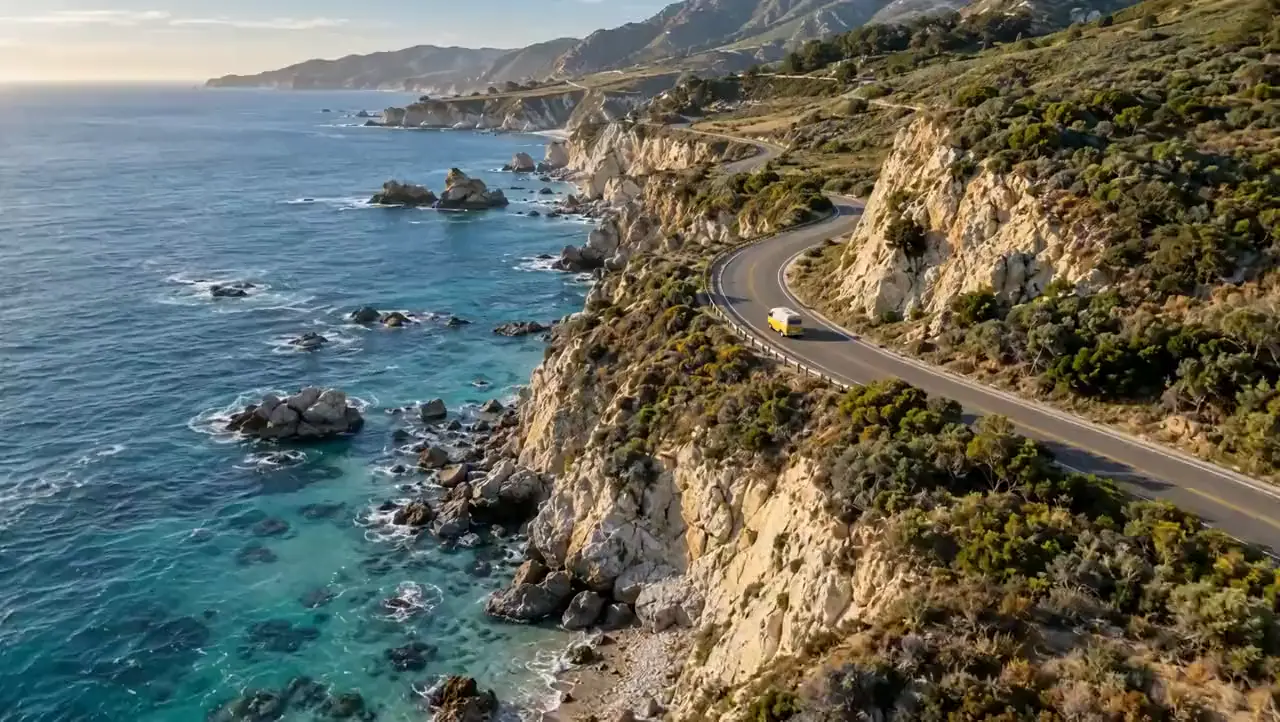
Starting image of a yellow camper on a winding coastal road.
Source image

Prompt

Follow the camper along the coast. Fly forward beside the cliffs, bank into the bend, and bring the surf to life.
Ask the agent to write it
1080p8 seconds
Animate image
Generated aerial tracking shot following a yellow camper along the cliffs with moving surf.

First and last frames

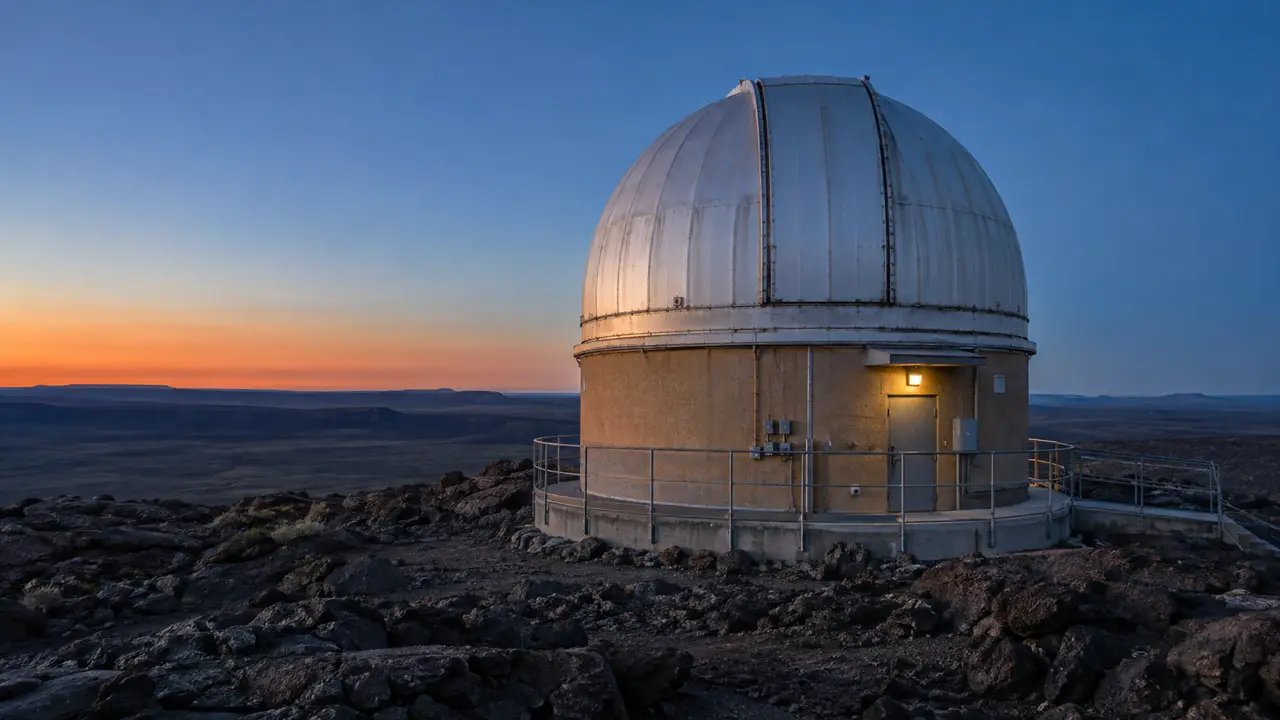
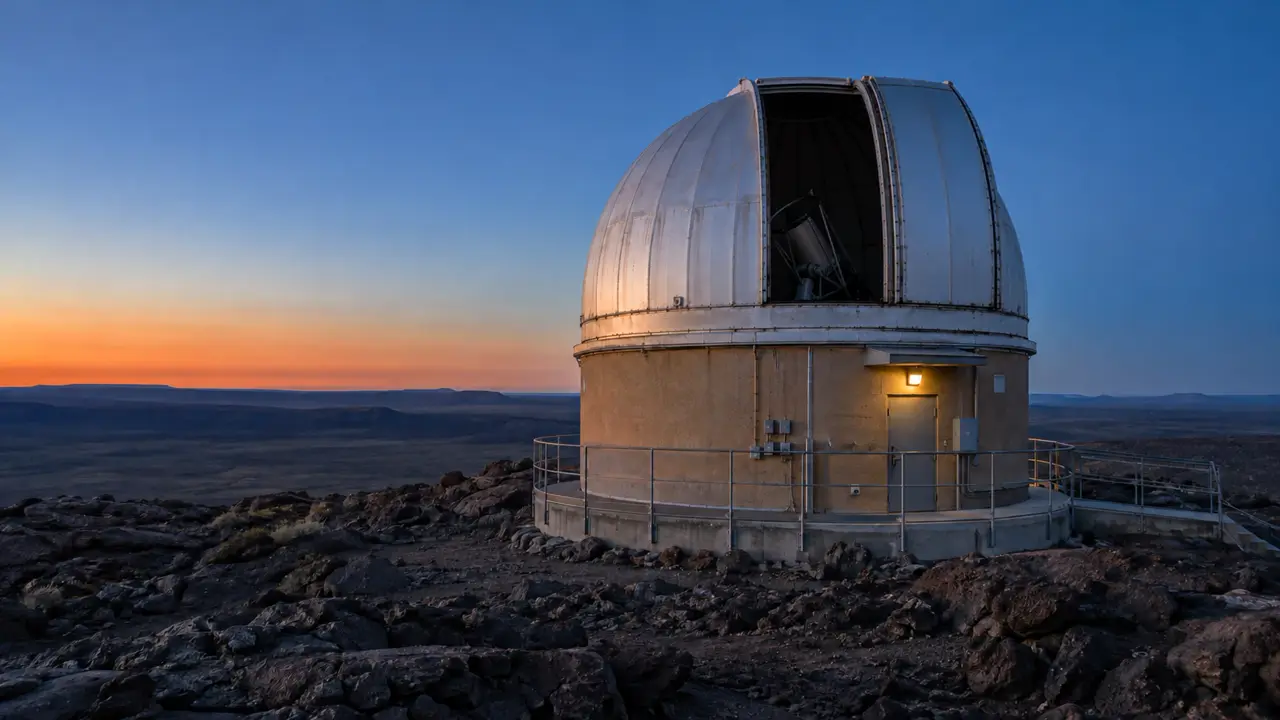
Observatory dome with its shutter closed.
First frame
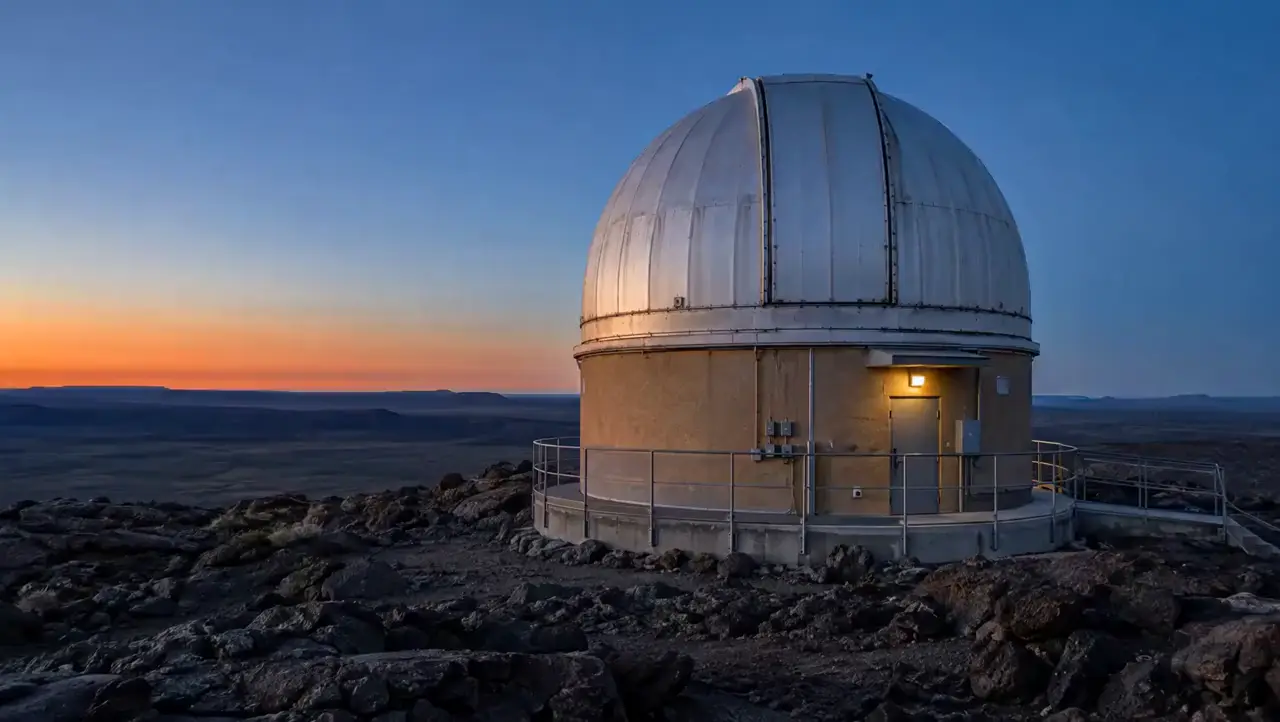
The same observatory dome with its shutter open.
Last frame

Prompt

Open the observatory shutter, slowly and mechanically. Keep the camera locked and finish exactly on the open-dome frame.
Ask the agent to write it
1080p8 seconds
Connect frames
Generated transition from a closed observatory shutter to the matching open shutter.

Video extension

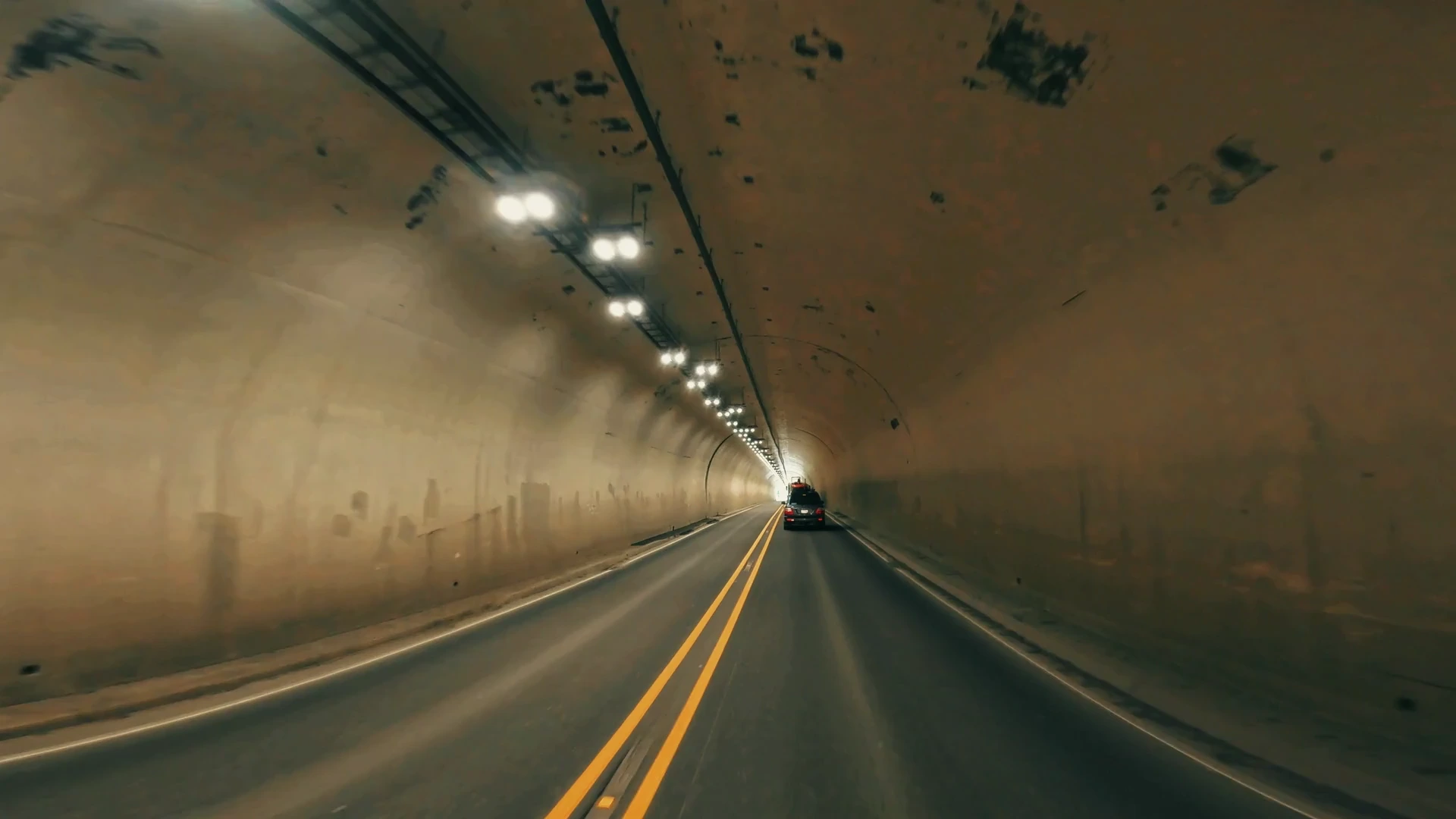
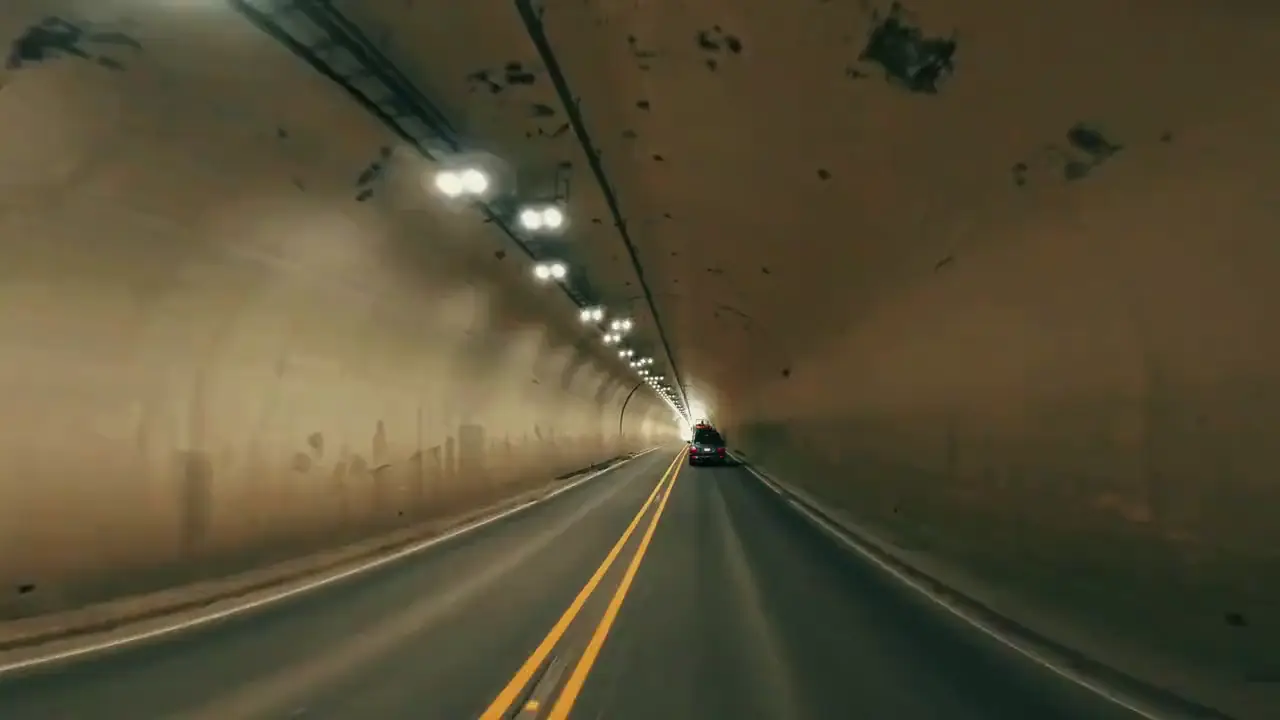
Original road footage driving through a tunnel, with a car ahead.
Source clip · 4 seconds

Prompt

Continue driving out of the tunnel onto the Moon. Keep the car and road moving, with sunlit mineral glints and Earth in the distance.
Ask the agent to write it
Continue clip+6 seconds
Extend video
AI-extended road footage emerging onto a sparkling lunar highway, with Earth above the horizon.AI extension

Reel Creator.

Your agent finds the hook, cuts the story, then reframes and captions it.

Create a reel Learn more about Reel Creator
Reel Creator9:16
Source excerpt 00:15
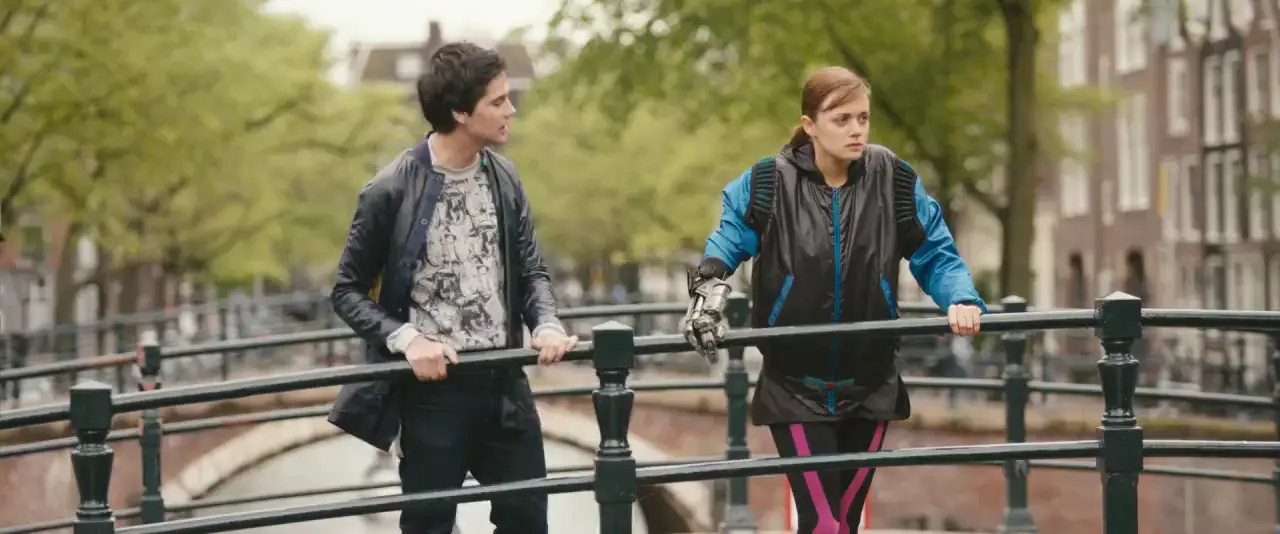
Source excerpt from Tears of Steel.
Creative direction

Make a 15-second reel of their argument. Keep the reactions and caption the dialogue.

Focus
StoryConflict
Pacing
Balanced
Target
15 seconds
Captions
On
Generate reels
Reel preview 00:15
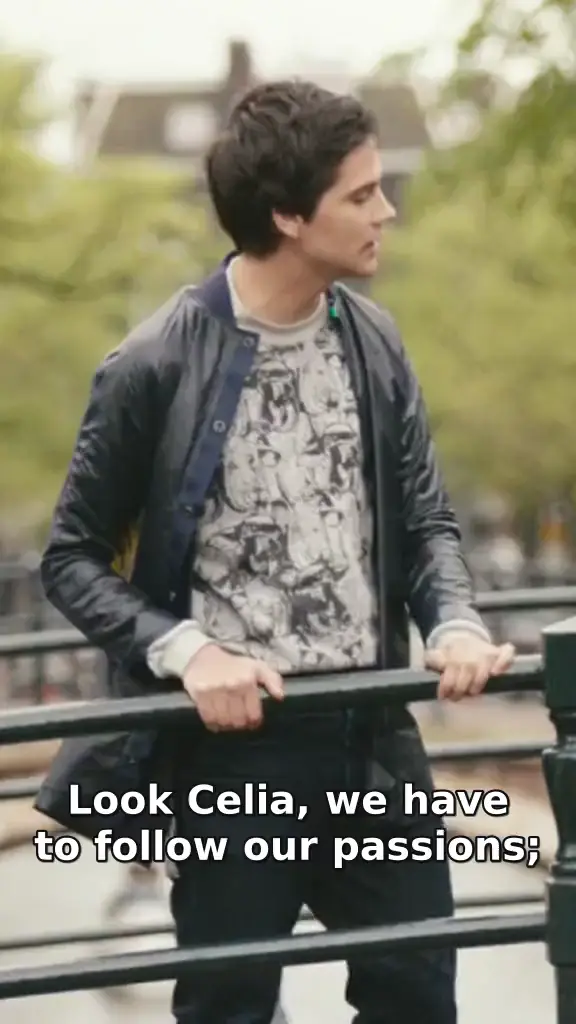
An editorial portrait cut of the same Tears of Steel scene, with subtitles.

Edit video by its transcript.

Select the words you don’t need. The matching footage goes with them. Your video files stay on your computer.

Try transcript editing Learn more about editing by transcript
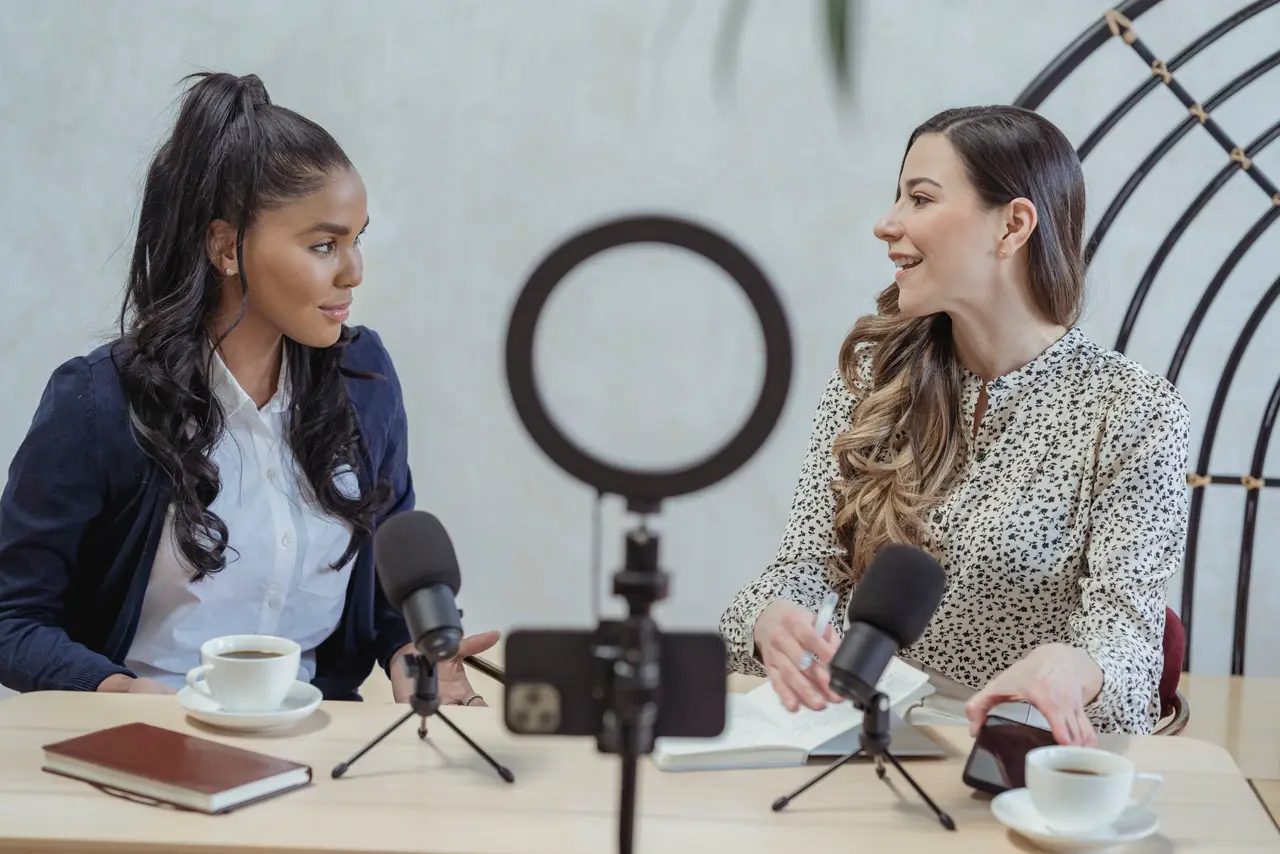
PreviewPodcast
TranscriptEnglish

Built for creators
and production teams.

Get early access
to AI editing.

An editing agent, Reel Creator, and image and video generation.

Join the waitlist

We’ll email you when your invitation is ready.

Already have access? Sign in

Sample footage: Sintel and Tears of Steel (edited excerpts), (CC) Blender Foundation, CC BY 3.0.