Multicam
Multicam editing for podcasts and interviews
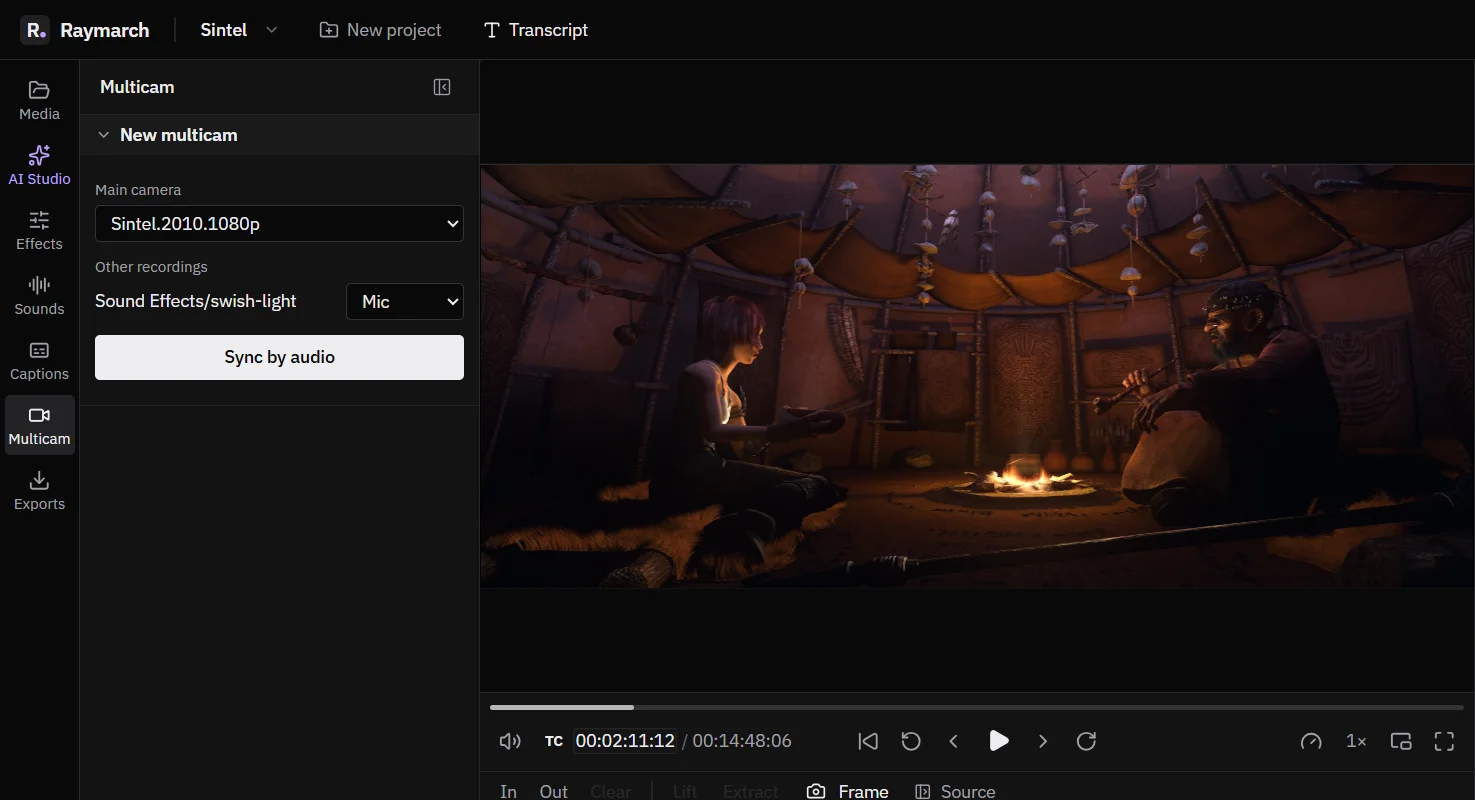
Sync your cameras and mics by their sound. Then cut between angles with one key while the video plays.
Free in the editor
- Audio sync
- Angles line up by their sound.
- One key
- Press 1 to 4 to switch angles.
- Auto switch
- Cut to the person who speaks, with a preview first.
Sync
Sync angles by their sound
Raymarch compares the sound of each recording and lines them up. It also corrects clock drift. Clock drift is when two cameras record at slightly different speeds, so they slowly go out of sync.
When a match is not certain, the panel marks it. You can change any offset by hand.
Roles
Tell Raymarch what each file is
Give each file a role: Camera, Wide, Mic or Not used. Raymarch then puts the angles and the mics on the timeline for you.
Switch
Cut between angles while it plays
- Press 1 to 4 to cut to an angle at the playhead.
- Press Alt with 1 to 4 to change the angle of the whole shot under the playhead.
- The Multicam panel has a button for every angle.
Auto switch
Switch to the person who speaks
Match each mic to a camera angle. Click Preview to see the plan on the timeline, then click Apply. Apply is one undo step, and it keeps the shots that you chose by hand.
Automatic switching uses the transcript of each mic, so it needs the Pro plan.
How it works
How to edit a multicam podcast
- 01
Import
Import the camera files and the mic files.
- 02
Sync
Open Multicam and sync the files by audio.
- 03
Set roles
Mark each file as Camera, Wide or Mic.
- 04
Switch
Play and press 1 to 4, or use automatic switching.
- 05
Finish
Trim the cuts on the timeline and export.
Use cases
What you can make with it
Video podcasts
Two or more hosts with a camera each.
Interviews
A wide shot and two close shots.
Panels and talks
A stage camera and a slide capture.
Specifications
Details
- Sync
- By audio, with drift correction
- Roles
- Camera, Wide, Mic, Not used
- Keys
- 1 to 4 cut at the playhead. Alt with 1 to 4 changes the whole shot.
- Auto switch
- By active speaker, with preview, one undo step
- Plan
- Free. Auto switch needs Pro.
Frequently asked questions
How many angles can I use?
The keys 1 to 4 switch between the first 4 angles. The panel has a button for every angle.
Do I need a clapper or timecode?
No. Raymarch syncs the files by their sound.
Is multicam free?
Yes. Sync and manual switching are free. Automatic switching uses transcripts, so it needs the Pro plan.
Related features
A free online video editor with a full timeline
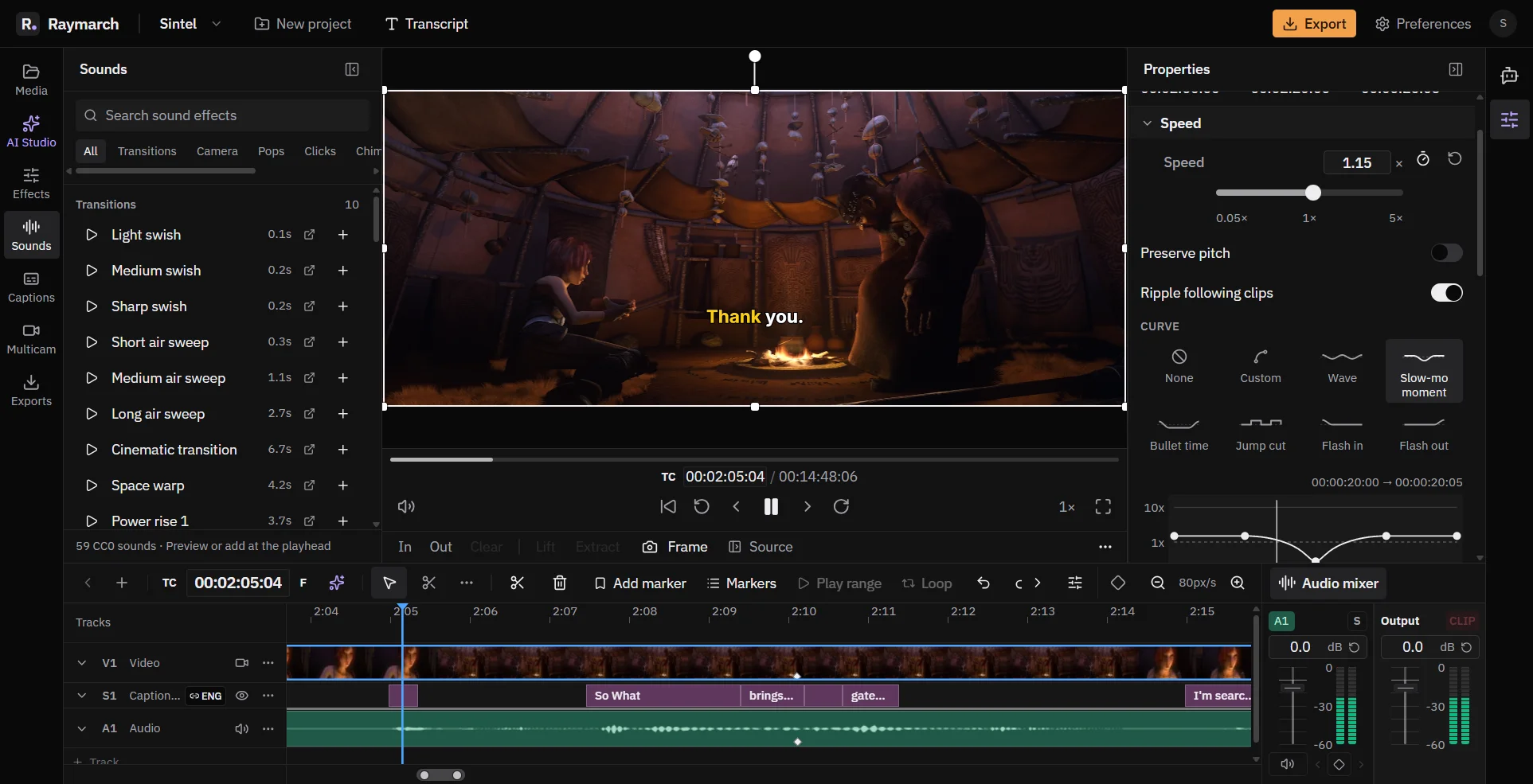
Raymarch is a non-linear video editor in your browser. Edit on many tracks with professional trim tools and keyframes.
Free in the editor
An audio mixer, sound effects and multi-track files
Mix your audio in the same editor. Raymarch also plays audio formats that browsers usually cannot play.
Free in the editor
Edit video by editing the transcript
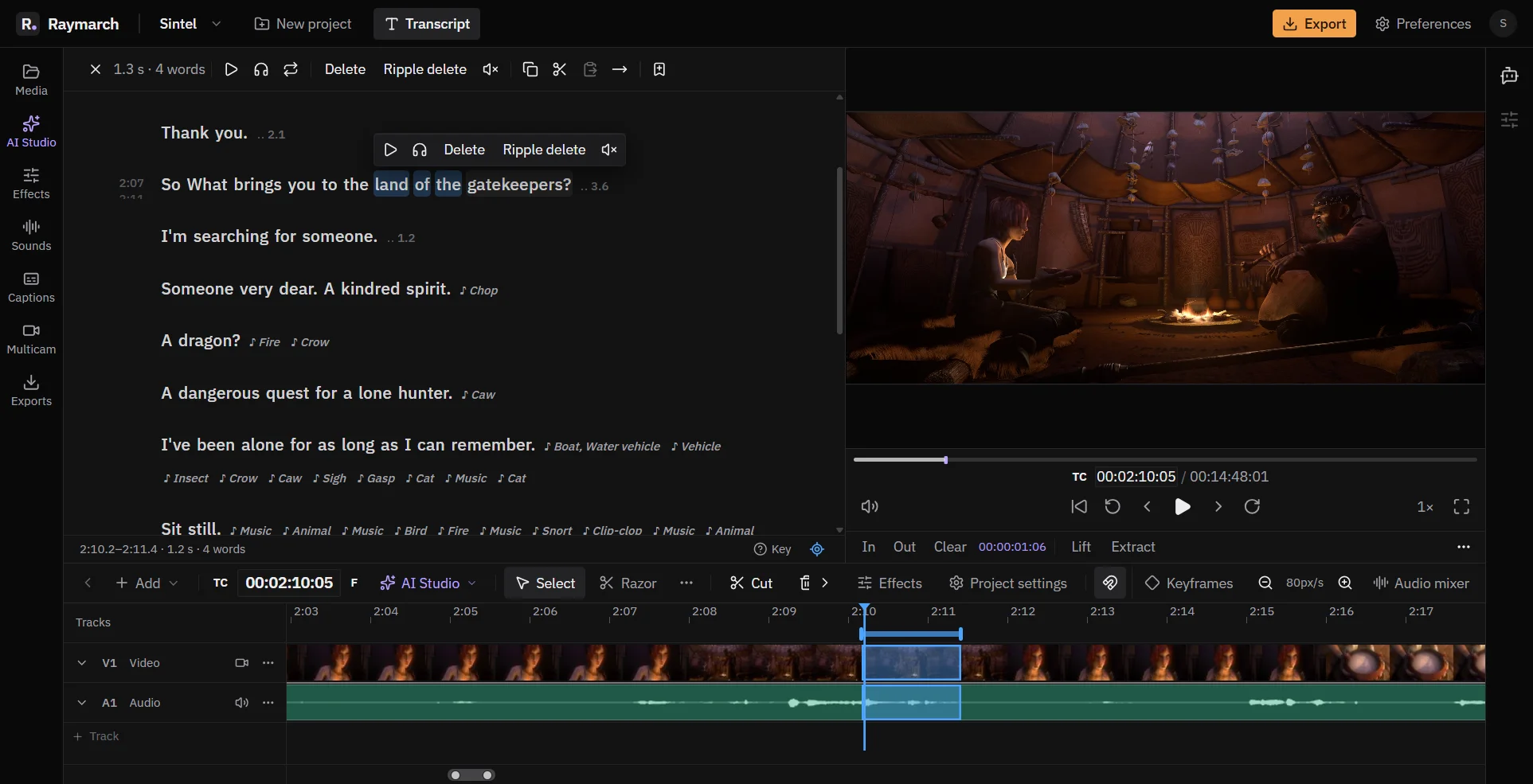
Delete words in the text, and Raymarch cuts the same moments from the video. It works on long recordings from your computer.
Pro plan
Start editing in your browser
The editor is free. No download is necessary.