Timeline editor
A free online video editor with a full timeline
Raymarch is a non-linear video editor in your browser. Edit on many tracks with professional trim tools and keyframes.
Free in the editor

- Free
- The editor, effects and 1080p export are free.
- No download
- Open the editor in your browser and import your files.
- Local files
- Raymarch reads video from your disk. It does not upload the video file.
Tracks
A multitrack timeline for video, audio, text and captions
A non-linear editor lets you change any part of the edit at any time, in any order. Put each kind of clip on its own track.
- Video, audio, image, text and subtitle clips.
- Lock, hide, mute or collapse a track.
- Press M to add a marker. You can rename and remove markers.
- Snap clips to frames, to milliseconds or to audio samples.
Trim tools
The trim tools of a professional editor
- Select: move clips and trim their edges.
- Razor: cut a clip in two.
- Ripple: trim a clip, and the clips after it move to close the gap.
- Roll: move the cut between two clips.
- Slip: change which part of the source a clip shows. The clip stays in place.
- Slide: move a clip between its neighbours. The neighbours change length.
- Spacer: push all later clips forward or back.
- Range: lift or remove a time range across tracks.
Keyframes
Animate any setting with keyframes
Set keyframes on position, scale, rotation, crop, opacity and volume. Every number in an effect can have keyframes too.
Choose the easing of each keyframe, so motion starts and stops smoothly.
Titles and layers
Titles, shapes and adjustment layers
- Text clips: font, size, line height, bold, italic, alignment, colour, outline and shadow.
- Text animation in and out: Fade, Pop, Slide, Typewriter and Word by word.
- Shapes: solid colour mattes and rectangles.
- Adjustment layers: apply effects to every track below.
- Frame export: save the current frame as a PNG at full project size.
Export
Export to MP4, MOV, MKV or WebM
Raymarch exports in the browser. Free exports go up to 1080p, also 1080×1920 vertical video, and end with a 3-second Raymarch watermark.
The Pro plan exports above 1080p, such as 4K, with no watermark. Your computer must support the size.
How it works
How to edit a video online
- 01
Open the editor
Open Raymarch in your browser. No download is necessary.
- 02
Import your files
Add video, audio, images or subtitle files from your computer.
- 03
Cut and arrange
Drag clips to the timeline. Cut with Razor and trim the edges.
- 04
Add the finish
Add titles, effects, transitions and music.
- 05
Export
Export to MP4 or another format.
Use cases
What you can make with it
YouTube videos
Long edits with music, titles and B-roll on separate tracks.
Podcasts
Multicam cuts, levels and captions in one project.
Vertical video
1080×1920 export for Shorts, Reels and TikTok.
Courses and tutorials
Screen recordings with titles, zooms and markers.
Specifications
Details
- Video formats
- MP4, MOV, MKV and WebM
- Video codecs
- H.264, HEVC, VP9 and AV1
- Audio export
- M4A (AAC), MP3, WAV and Opus
- Free export
- Up to 1080p, with a 3-second watermark at the end
- Pro export
- Above 1080p, such as 4K, with no watermark
- Still frames
- PNG at full project size
- Runs in
- A web browser on a computer
Frequently asked questions
Is the editor free?
Yes. The timeline, the edit tools, effects and transitions are free. Free exports go up to 1080p and end with a 3-second Raymarch watermark.
Do I need to download anything?
No. Raymarch runs in a web browser on a computer.
Can I edit large video files?
Yes. Raymarch reads the file from your disk, so long recordings work.
Does Raymarch upload my video?
No. The video file stays on your computer.
Can I export 4K?
Yes, with the Pro plan. Your computer must support the size.
Related features
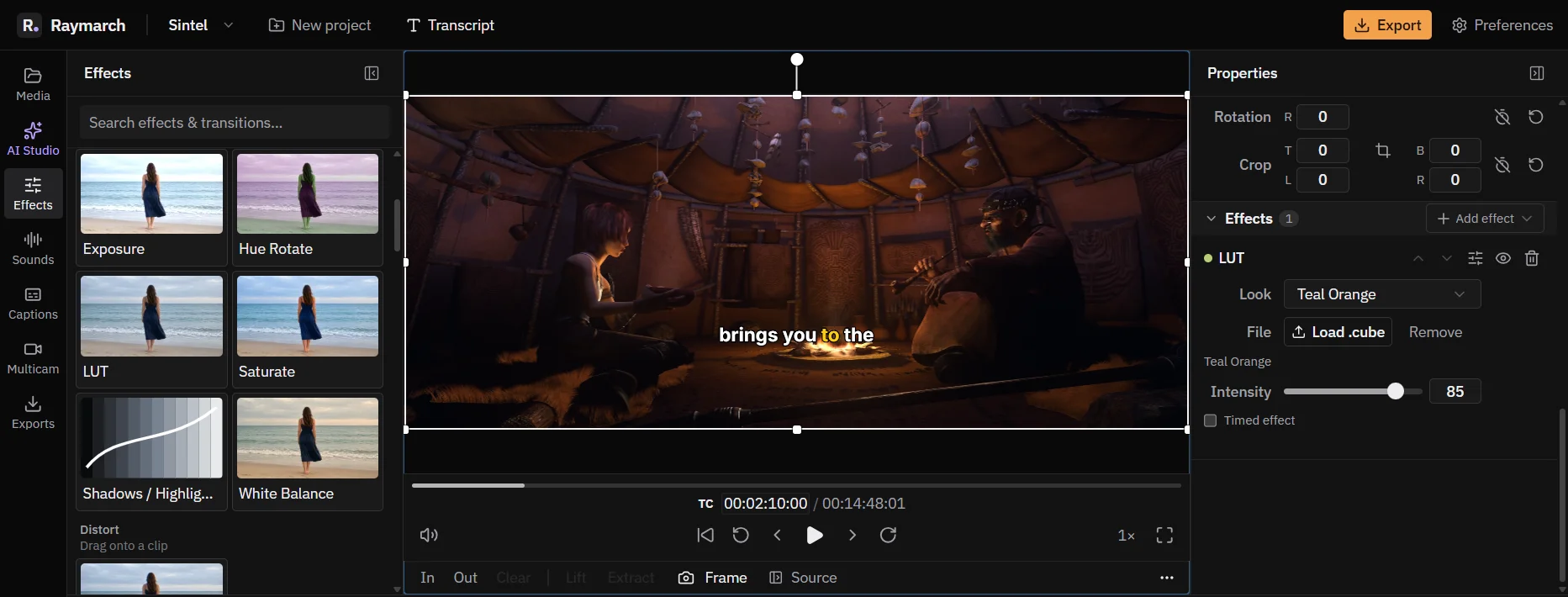
Effects, colour looks, transitions and speed ramps
Change the look and the timing of a clip. Every effect value can have keyframes.
Free in the editor
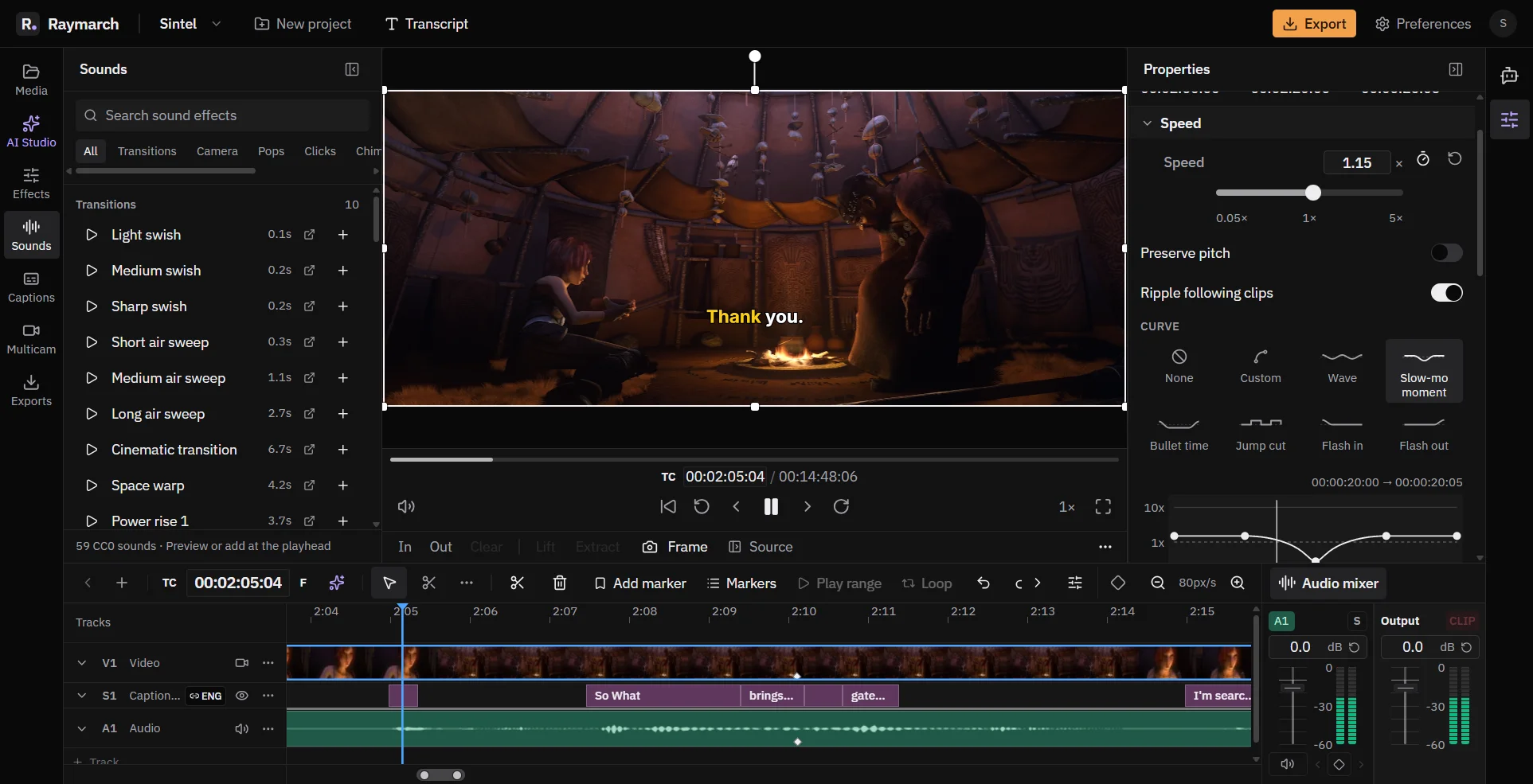
An audio mixer, sound effects and multi-track files
Mix your audio in the same editor. Raymarch also plays audio formats that browsers usually cannot play.
Free in the editor
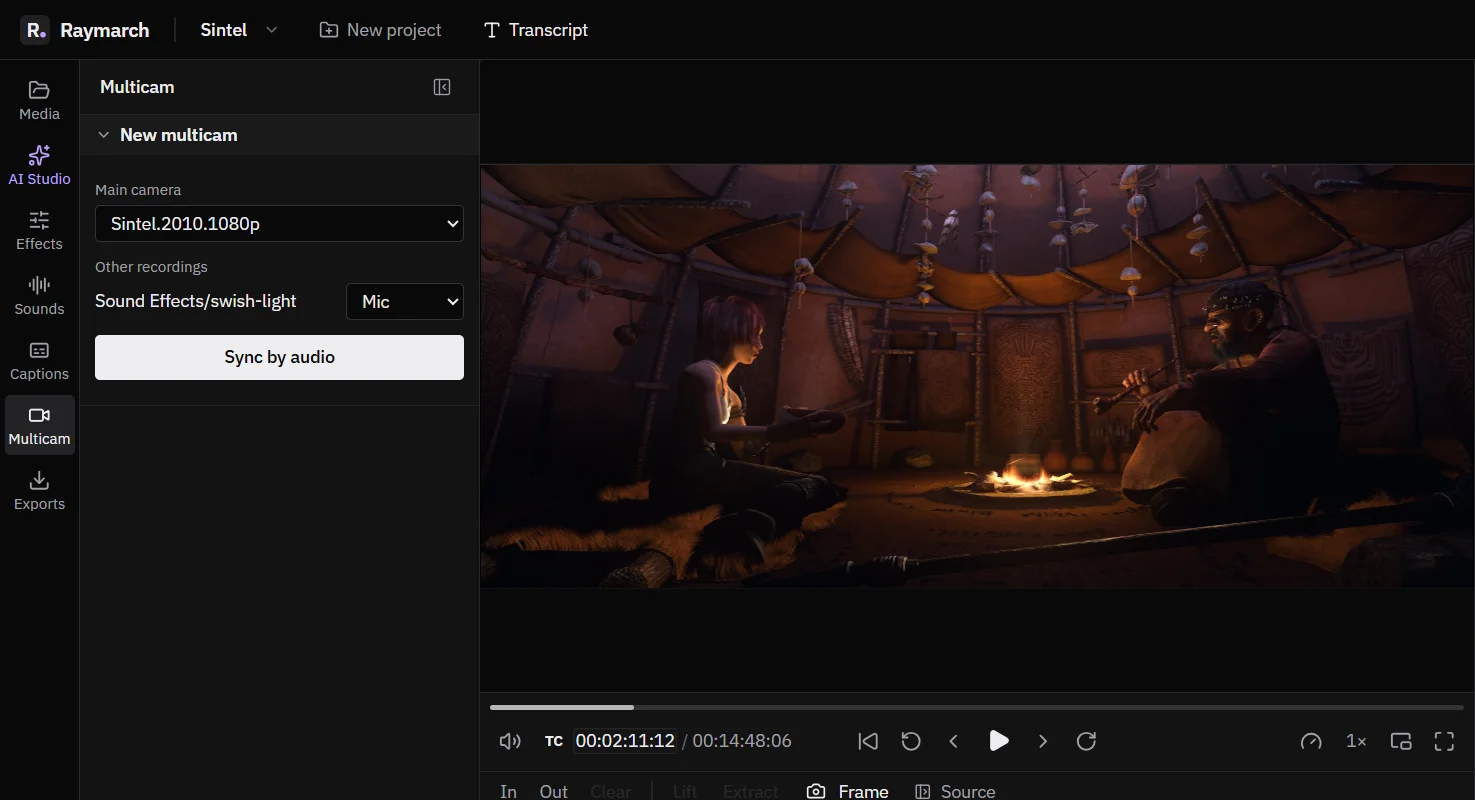
Multicam editing for podcasts and interviews
Sync your cameras and mics by their sound. Then cut between angles with one key while the video plays.
Free in the editor
Start editing in your browser
The editor is free. No download is necessary.