Free tools
Free video tools in your browser
Convert, compress, cut and resize videos. Each tool opens in the Raymarch editor, and your file never leaves your computer.
- No upload
- No account
- No credit card
Convert
Change the file format
- MP4 to MP3Save the sound of a video as an MP3 file. Your video stays on your computer.Open
- MP3 ConverterConvert any video or audio file to MP3 in your browser. No upload and no account.Open
- WAV to MP3Make a large WAV recording a small MP3 that you can share. Nothing is uploaded.Open
- Video ConverterChange a video to MP4, MOV, MKV, WebM, MP3 or WAV in a few clicks.Open
- MOV to MP4Make iPhone and Mac videos play everywhere, in a few clicks.Open
- MKV to MP4Change an MKV video to MP4. Large files are fine, because nothing is uploaded.Open
- WebM to MP4Change a WebM video to MP4 so it plays on phones and in editors.Open
- MP4 to WebMMake a WebM video for your website in a few clicks.Open
Edit
Shrink, cut, shape and add text
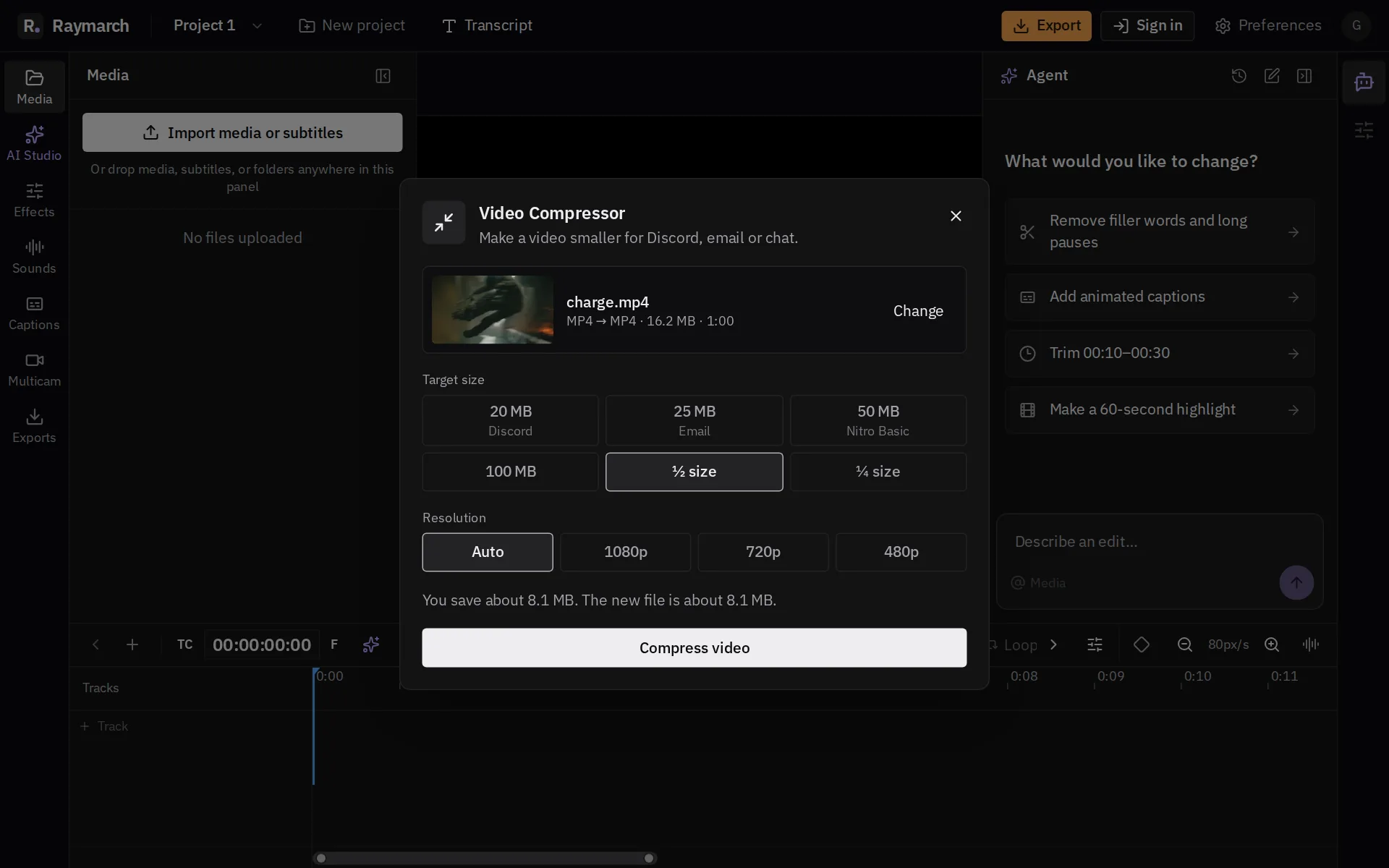
- Video CompressorMake a video smaller for Discord, email or chat. See the saving before you start.Open
- Discord CompressorFit a clip into the 20 MB upload limit for free Discord accounts.Open
- Video CutterCut a video into parts and remove what you do not want, on a real timeline.Open
- Trim VideoCut the start and the end of a video in your browser. No upload.Open
- Resize VideoMake a video 9:16 for Reels, Shorts and TikTok, square, 4:5 or 16:9.Open
- Vertical Video MakerTurn a landscape video into a 9:16 vertical video for Reels, Shorts and TikTok.Open
- Speed Up VideoMake a video play faster. The sound changes speed together with the picture.Open
- Slow Down VideoMake a video play slower, at half speed or three quarters.Open
- Add Text to VideoPut a title or text on top of a video, then style it and place it.Open
In the editor
Each tool opens over the full editor
Click Edit in Raymarch, and your file goes on the timeline. Cut it, add captions, then export.